
Zero Trust Remote Access for OT Environments
Overview
OTORIO is an OT security platform, later acquired by Armis for $120M in 2025.
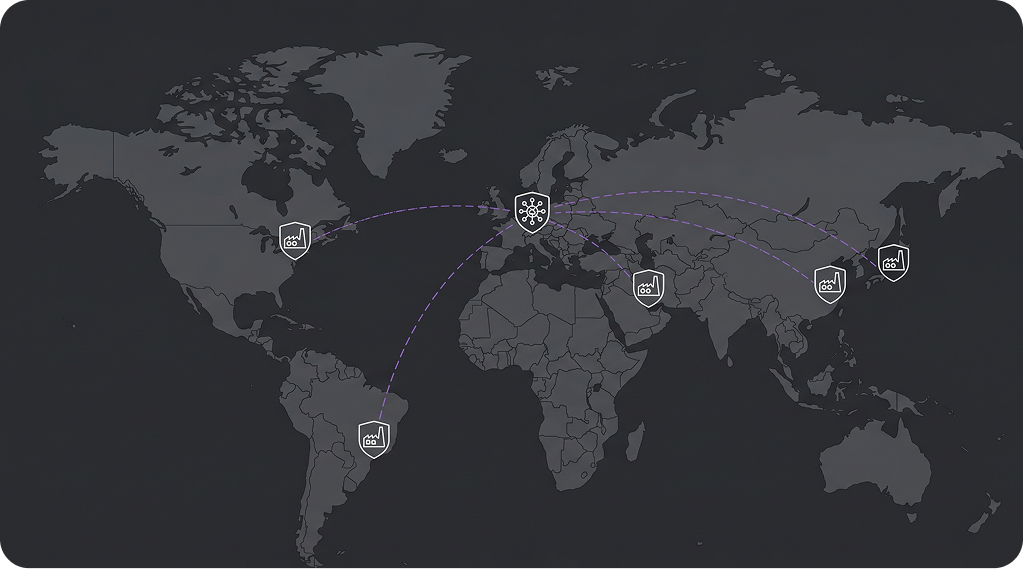
I designed two new capabilities for the platform's remote access product. The core challenge: industrial sites are air-gapped by design — no standard mechanisms exist for remote upgrades or activity monitoring.
PROBLEM
One constraint, two problems
the user is remote, the system is air-gapped, and something critical needs to happen — with no one on site to help.
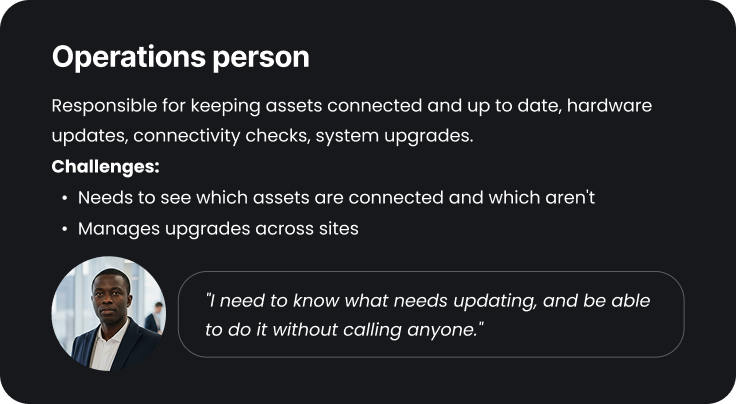
- For the Operations person: Software updates required shutting down the system and involving OTORIO's dev team — never done remotely before.
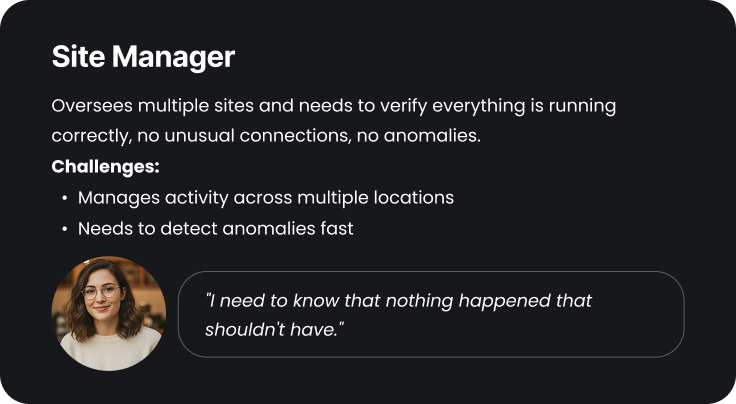
- For the Site Manager: With no audit log, there was no way to see who accessed what, when — or prove compliance to an auditor.
The Process
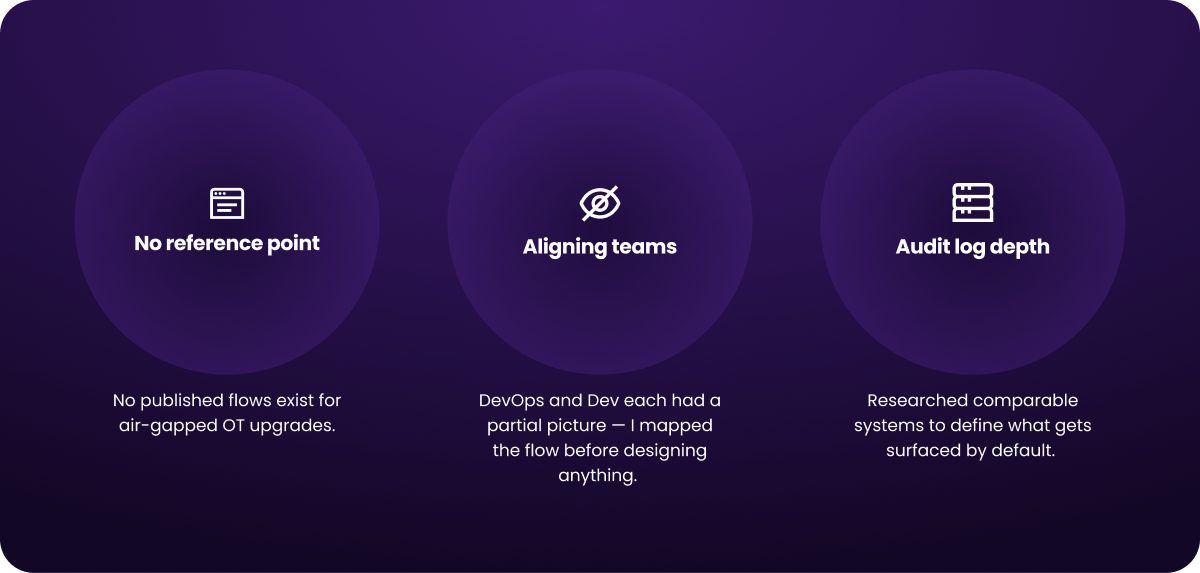
No one had done a remote upgrade on this system before
and there was no existing audit log to reference.That constraint was also a starting point.
I interviewed CS, Dev, and DevOps to map what was technically possible, and defined error states throughout the flow so the user is never left guessing. I also interviewed customers who work with audit logs daily to understand which filters they actually need — and in what order they search.
The users
The Approach
Two capabilities, one platform — each designed for a different trigger. The Site Manager arrives after an incident, looking for answers. The Operations person arrives after a notification — an update is ready and needs to run.

Show the answer, not the data
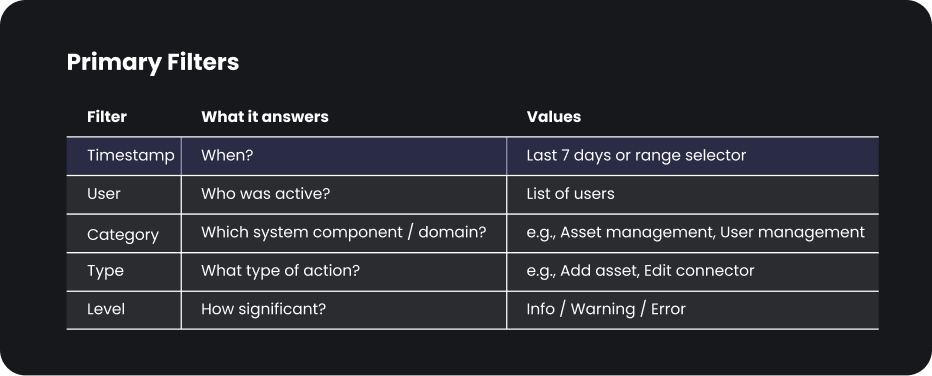
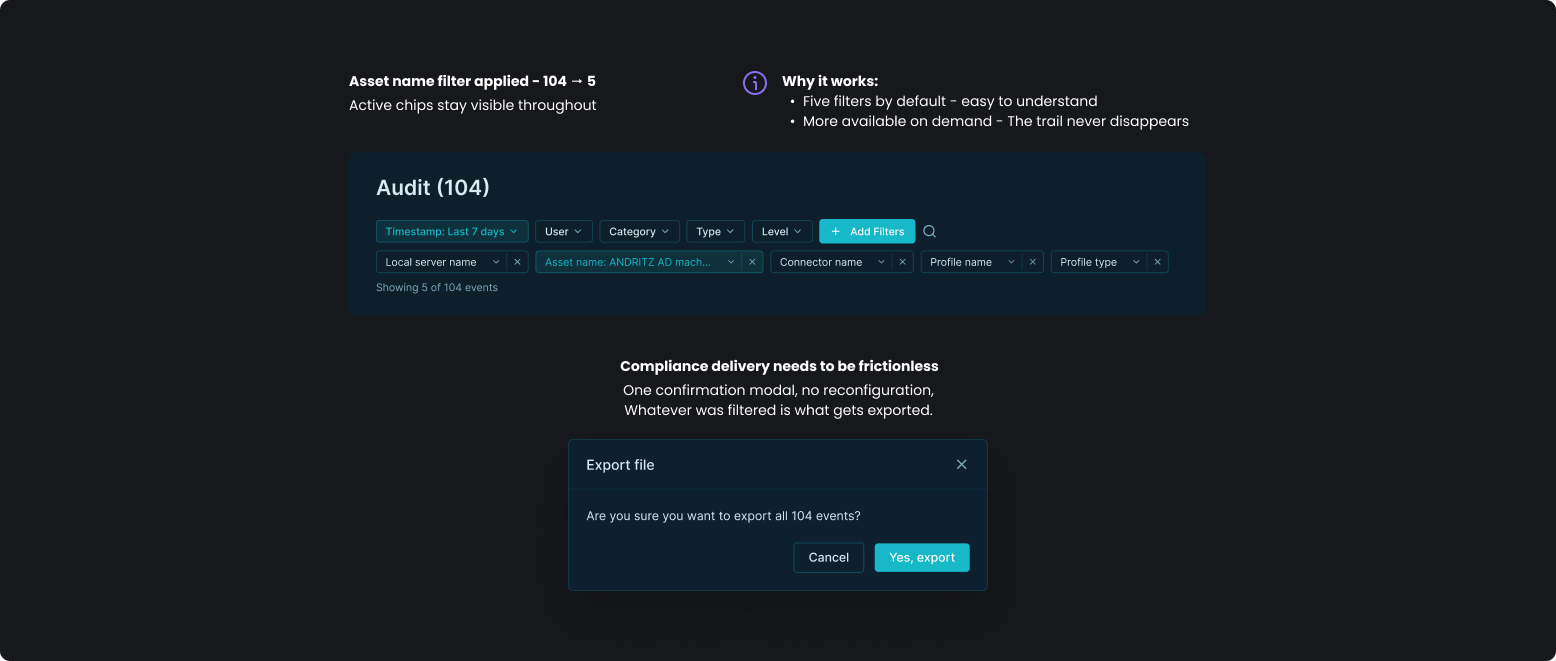
Real-time status per server — not a final summary. Filters follow the investigation order: user and time first, asset as a second layer. The user arrives knowing what they're looking for.
The Design
Use case 1: Running a remote upgrade
The Operations person needs to run an upgrade remotely, without R&D involvement. An upgrade shuts the system down - one account at a time. So every step has to feel deliberate.

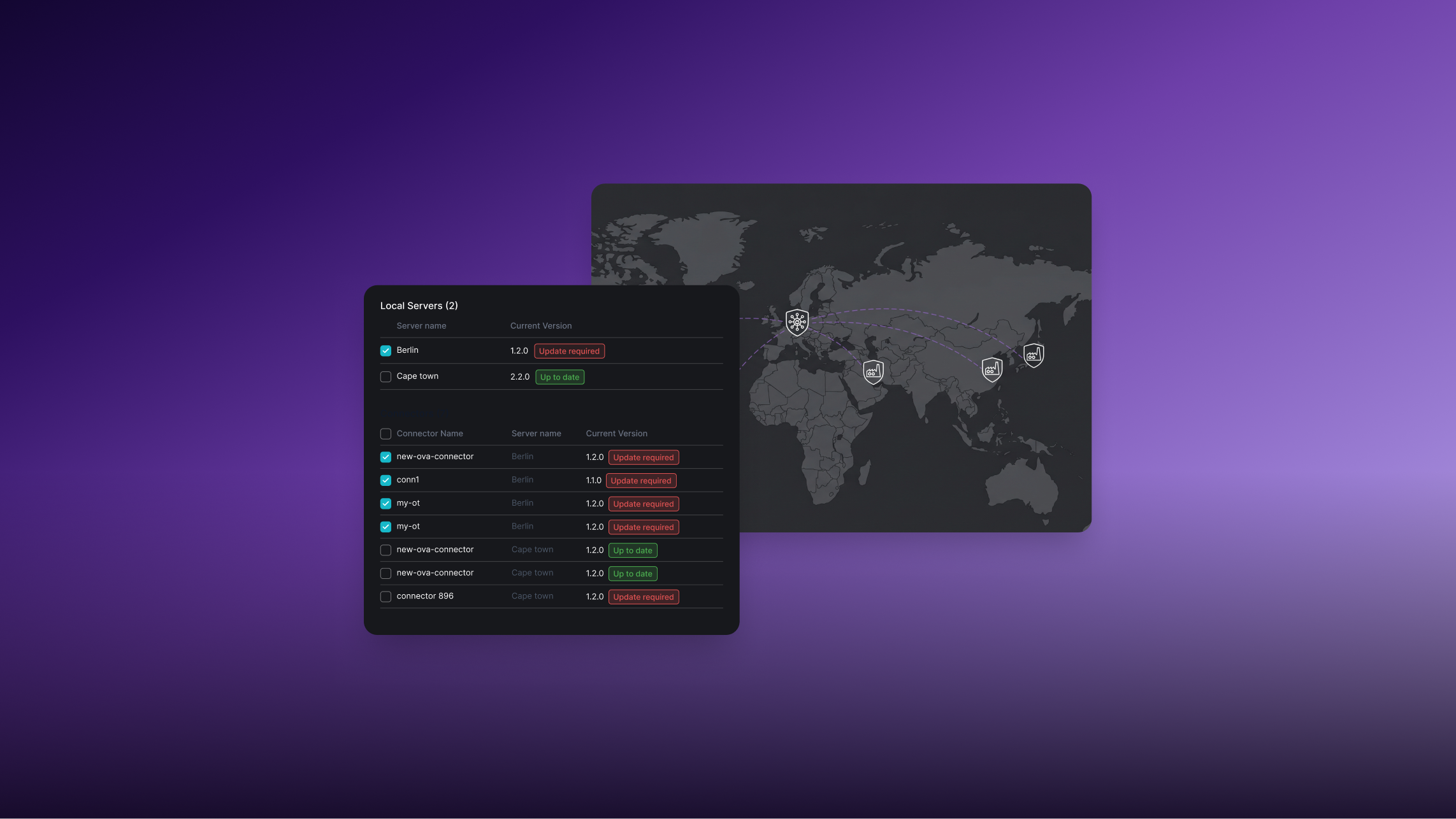
Two upgrade paths at equal weight: Azure Storage or manual file upload. In air-gapped environments, the file upload path isn't a fallback - it's the primary option for many customers.
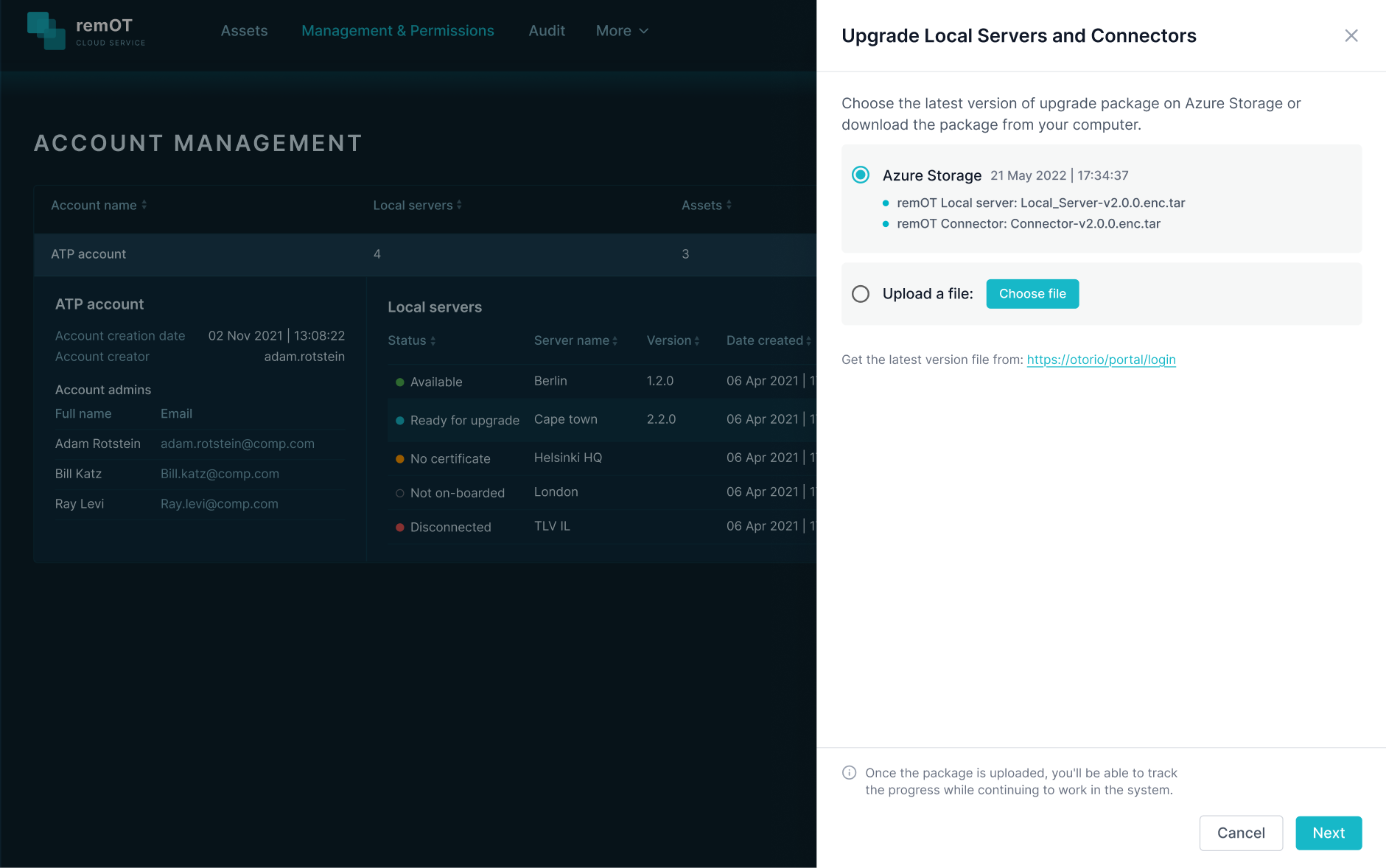
"Update required" vs "Up to date" is pre-calculated before the user arrives. The user sees a decision, not a diagnostic. Local Servers and Connectors listed separately - each with its own status.
The process runs in the background. The user doesn't wait - a minimized notification keeps them informed without locking the interface.


Use case 2: Investigating a specific incident
The Site Manager arrives after something happened. They need answers fast.
Every action on every machine is logged — that's a lot of data. Defaulting to 7 days prevents the Site Manager from arriving to an overwhelming table.
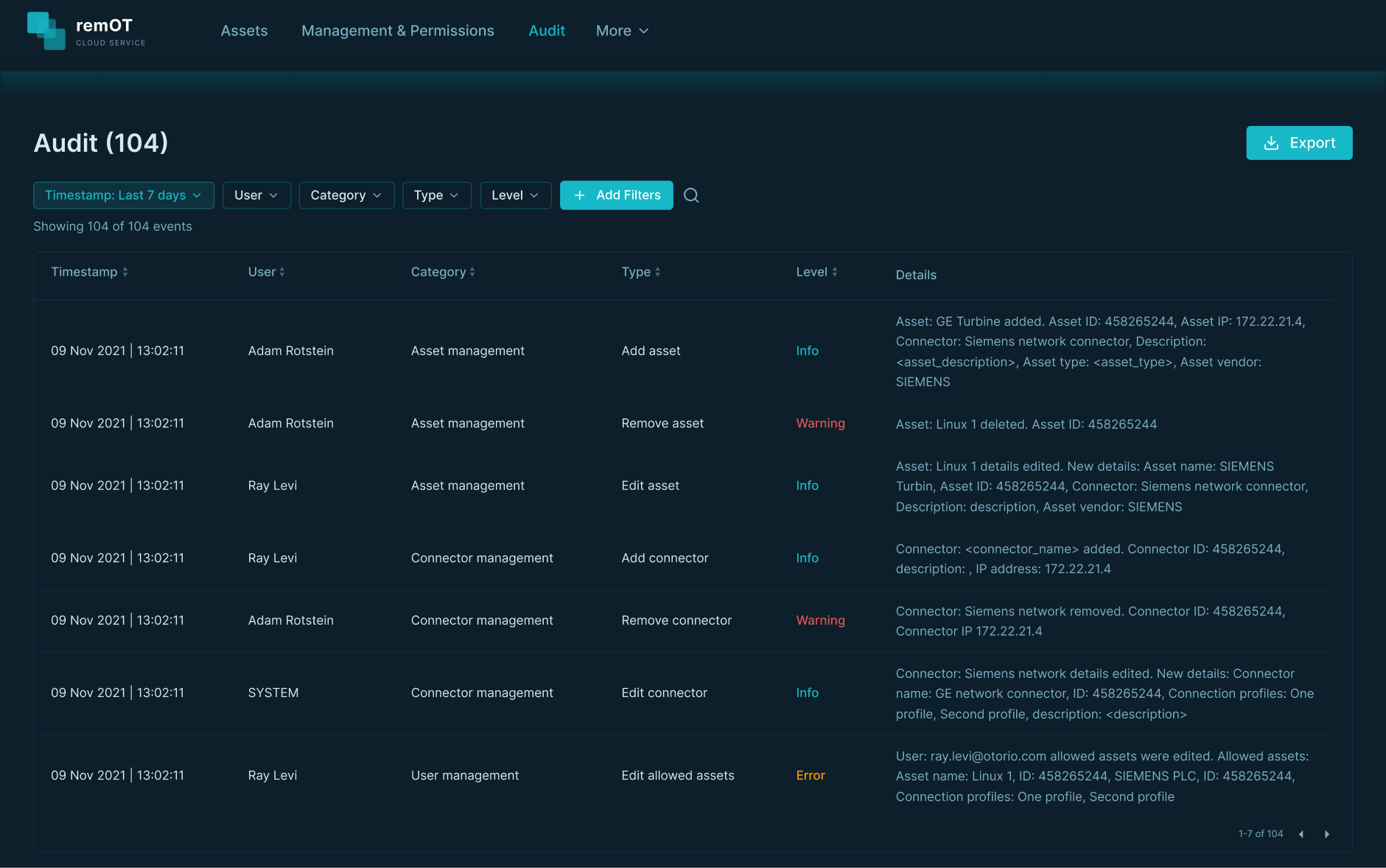
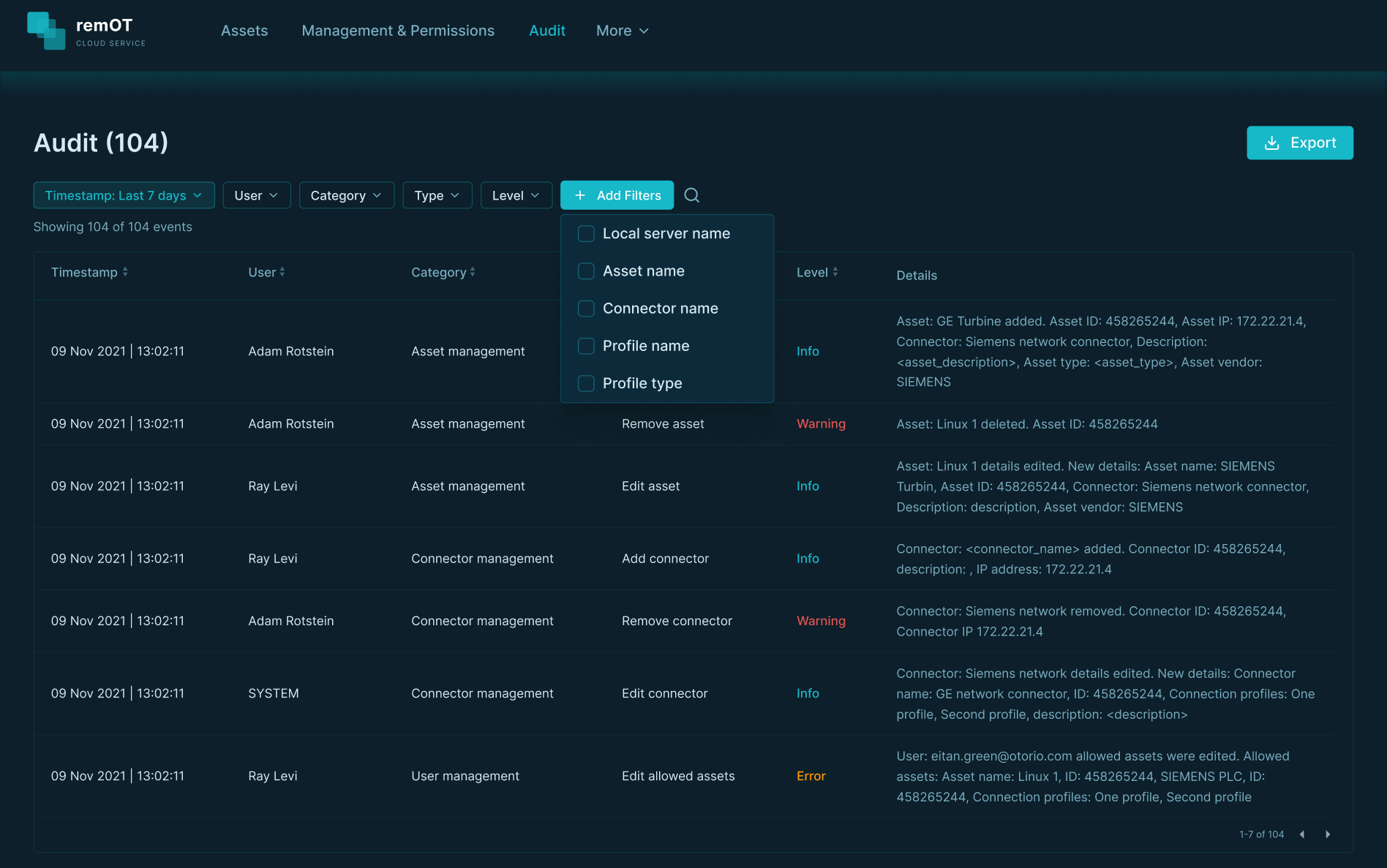
User and time first — that's always the first question. Asset and connector as a second layer.
IMPACT
Customers moved from full dependency on OTORIO's engineering team to running upgrades independently. And for the first time, Site Managers could answer "who did what, when" — without reconstructing events from memory or scattered logs.
WHAT I LEARNED
In operational systems, error states aren't edge cases - they're the main event. A user running a remote upgrade on an air-gapped factory needs to know exactly what failed and why. That was one of the first things I designed, not the last.
